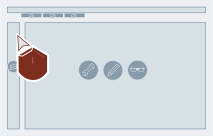
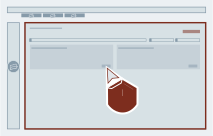
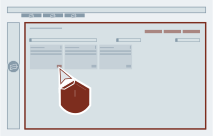
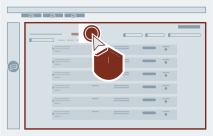
Under "Lifecycle", select the desired sub-category.
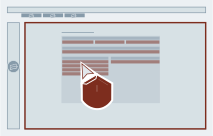
Select "Subscribe to notification".
Result
If the option was activated: If there are new changes (regarding the "Lifecycle" area) for your plants, a notification will be sent to you via email weekly on Mondays. The email shows the number of respective open issues collected for all subscribed plants.
If the option was deactivated: Notifications are switched off, but pending notifications will still be sent one more time on the following Monday.