Issues | Change Planning Status
Prerequisites
- You are logged in to myExpert as a user.
- The "myPlant" area is displayed.
Open Plant Entry - You have one of the following roles:
- Plant Admin
- Plant User
Procedure
- Under "Lifecycle", select the desired sub-category.
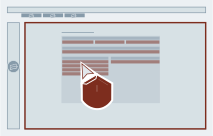
- At the end of the line of the respective issue group (or component), select the "Details" button.
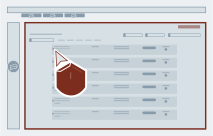
- Select the planning status.
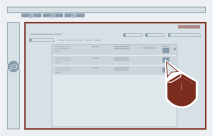
- Select a different status and confirm the selection.
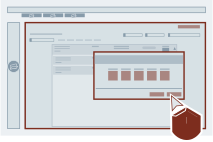
Result
The planning status of the respective issues (or components) in the selected area has been changed.