Health | Adjust Threshold
Prerequisite
- You are logged in as a user in myExpert.
- The "myPlant" area is displayed.
Open plant entry - You have one of the following roles:
- Company admin
- Health user
Procedure
- Select "Operation Assets" > "Settings icon".
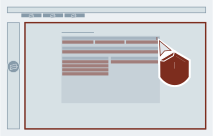
- Optional: Select the "Unlock" button for a metric in the Operation Assets or Automation Assets area.
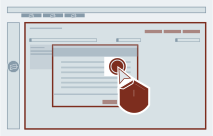
- Optional: Enter a comment and select "OK".
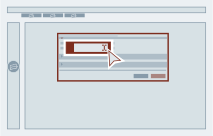
- Enter the desired value in the "Warning limit" or "Alarm limit" field.
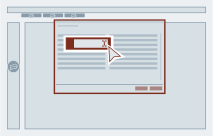
- Select "OK".
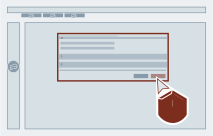
Existing Events
Changing the warning or alarm limit value affects only new events. Existing events are not affected by this change. To unlock warning thresholds, all events in the corresponding category must first be archived.
Result
The threshold for the alarm or warning limit has been adjusted.