Delete Plant Entry
Prerequisites
- You are logged in to myExpert as a user.
- You have one of the following roles:
- Company Admin
- Plant Admin
Procedure
- Select "Management services".
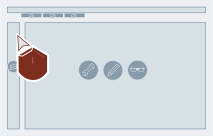
- If not shown yet: Select "Plants".
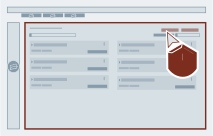
- Select "Delete" via the wanted plant entry.
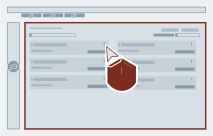
- Confirm the action.
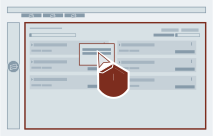
Result
Afterwards the plant entry will be deleted from myExpert.
Restore Plant
Once you requested to delete plant, it will be automatically removed from user interface. And you can request to restore the plant and its data with-in 30 days of plant deletion request via contacting our DI SIMATIC PCS myExpert Support team via email: