Send Feedback
Prerequisites
- You are logged in to myExpert as a user.
Procedure
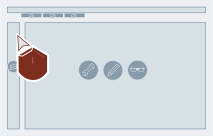
- Select "Feedback".
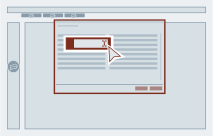
- Select a category from the dropdown menu.

- Enter your message in the "Message" field.
- Optional: expand "Upload attachments" to add files to your feedback.
- Supported formats:
png,jpg,pdf,xlsx,zip
- Supported formats:
- Optional: expand "Attached context" to review the automatically added context.
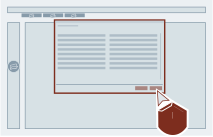
- Select "Send".
Result
The feedback has been submitted.