Health | Show Component Status
Prerequisites
- You are logged in to myExpert as a user.
- The "myPlant" area is displayed.
Open Plant Entry - You have one of the following roles:
- Health User
Procedure
- Select "Operation Assets" > "Operation Assets".
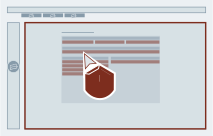
- Select the "Details" button of the desired PC system.
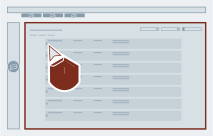
- Select the desired component category.
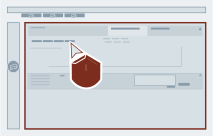
- Optional: Activate / deactivate the filters to adjust the display.
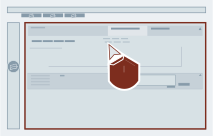
Result
The status of the components of a PC system is displayed.