Change Notification Preferences
Prerequisites
- You are logged in to myExpert as a user.
Procedure
- Select "Settings".
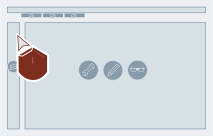
- Select "Notifications preferences".
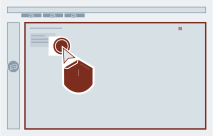
- Mark the desired notification categories or switch on (or off) "All email notifications"
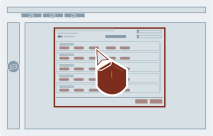
- Select "Save changes".
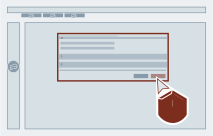
Result
The notification settings have been changed.