Show I/O Data of a Plant
Prerequisites
- You are logged in to myExpert as a user.
- The "myPlant" area is displayed.
Open Plant Entry - You have one of the following roles:
- Plant Admin
- Plant User
- Support Admin
Procedure
- Choose "Plant Inventory" > "I/O count".
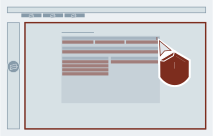
- Optional: Export the data.
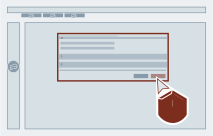
Result
An overview of the amount (counter) of the I/O data is shown.