Service | Share Support Request with Someone
Prerequisites
- You are logged in to myExpert as a user.
- You have one of the following roles:
- Plant Admin
- Support Admin
- Support User
Procedure
- Select "Company Overview".
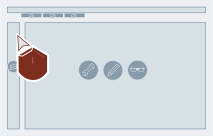
- Select "Open" for the desired company entry.
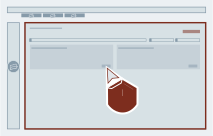
- Select "Open" for the desired plant entry.
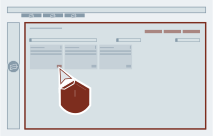
- Select "Support Request".

-
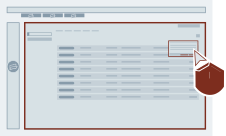
Select "Share" on the chosen support request.
Only for own support requests
You can use this function only with your own support requests.
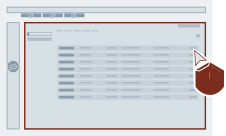 6. Select the user you want to share your request with and confirm.
Result
The chosen support request is displayed as shared.