Export Plant Inventory
Prerequisites
- You are logged in to myExpert as a user.
- Inventory has been uploaded to myExpert.
- The "myPlant" area is displayed.
Open Plant Entry - You have one of the following roles:
- Plant Admin
- Plant User
- Support Admin
Procedure
- Select "Plant Inventory".
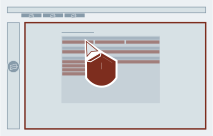
- Select "Export all..".
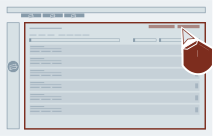
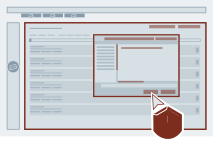
- Select a name and storage location for the export file.
Confirm.
Result
An overview of the plant inventory has been exported.