Delete Plant Inventory
Prerequisites
- You are logged in to myExpert as a user.
- The "myCompany" area is displayed.
Open Company Entry / List All Plants - You have one of the following roles:
- Plant Admin
Procedure
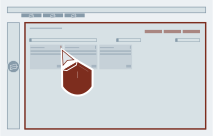
- For the desired plant entry, select the three-dot menu.
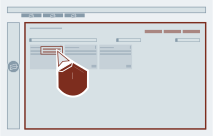
- Select "Delete Inventory".
-
Select the respective options. Depending on the selection, a different scope will be deleted.
Deletions also affect \"Issues\"
The "issues" processed in myExpert are directly linked to the plant items from the inventory sources. When deleting the inventory, the associated "issues" are also deleted.
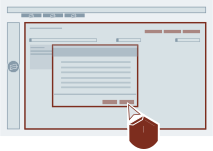
If you only want to reduce/adjust the number of your inventory, you can use myExpert's import function for this.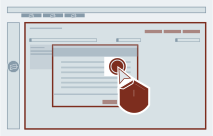 4. Confirm and select "Delete".
Result
The "Delete Inventory" dialog is closed. The "myCompany" area is displayed.