Service | Create New Support Request
Prerequisites
- You are logged in to myExpert as a user.
- The "myCompany" area is displayed.
Open Company Entry / List All Plants - You have one of the following roles:
- Support Admin
Procedure
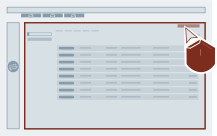
- Select "Open" for the desired plant entry.

- Select "Support Request".

- Select "Add Support Request".
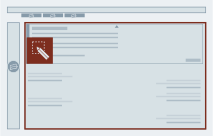
- Enter the text for the request and fill in all necessary fields.
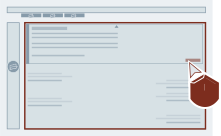
- Select "Send SR".
Result
You have created a new request. The request is displayed in the overview.