Create / Update Plant Inventory
Prerequisites
- You are logged in to myExpert as a user.
- The "myCompany" area is displayed.
Open Company Entry / List All Plants - The export files of the inventory of your plant are available. (See inventory sources)
- You have one of the following roles:
- Plant Admin
Procedure
- For the desired plant entry, select the three-dot menu.
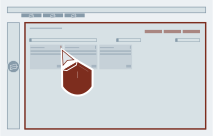
- Select "Upload Inventory".

- Select "Browse file...".
Alternatively: Drag and drop the files to be uploaded onto the text field.
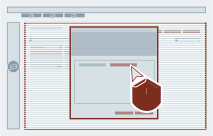
-
Select the files to be uploaded and confirm the selection.
Clarification possible
During the first analysis of your imports, the name of the process control system project is checked. If the file type is unknown, myExpert will display a warning and uploading will be disabled. This ensures that the inventory belongs to the correct project.
 5. Select "Finish".

Result
The "Update Inventory Data" dialog is closed. The "myCompany" area is displayed.