Create a Snapshot of the Company Inventory
Prerequisites
- You are logged in to myExpert as a user.
- You have one of the following roles:
- Company Admin
- Plant Admin
- Plant User
- Support Admin
Procedure
- Select "Company Overview".
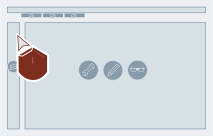
- Select "Open" for the desired company entry.

- Select "Company Inventory".
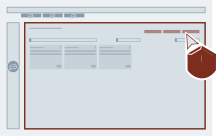
- Select "Create new snapshot".
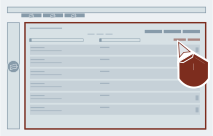
Result
A new snapshot of the company invertory was created.