Add to or Remove from Favorites
Prerequisites
- You are logged in to myExpert as a user.
- You have one of the following roles:
- Plant Admin
- Plant User
- Support Admin
- Support User
- Health User
Procedure
- Select "Company overview".
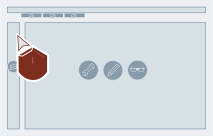
- Select "Open" for the desired company entry.
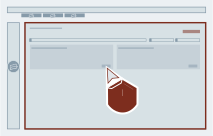
- Select the star via wanted plant entry.
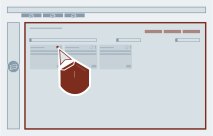
Favorites removable
Run through step 3 again, to remove an entry from favorites.
- Select "Company overview".
- Select the star via wanted plant entry.
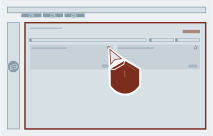
Favorites removable
Run through step 2 again, to remove an entry from favorites.
Result
The desired entry was added to favorites and will therefore be shown as one of the first in the list.