Export the Compatibility List
Prerequisites
- You are logged in to myExpert as a user.
- You have one of the following roles:
- Plant Admin
- Plant User
- Support Admin
- Support User
- Health User
Procedure
- Select "Company overview".
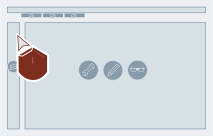
- Select "Open" for the desired company entry.
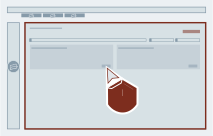
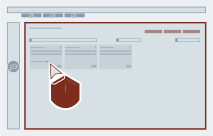
- Select "XLS" next to "Recommended version" via the wanted plant entry.
Result
The compatibility list of the recommended version will be downloaded and placed according to the browser settings.