Delete Plant Entry
Prerequisites
- You are logged in to myExpert as a user.
- You have one of the following roles:
- Company Admin
- Plant Admin
Procedure
- Select "Management services".
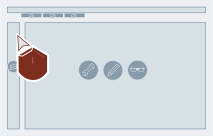
- If not shown yet: Select "Plants".
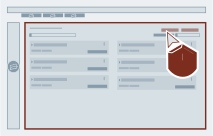
- Select "Delete" via the wanted plant entry.
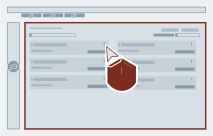
- Confirm the action.
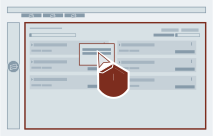
Result
Afterwards the plant entry will be deleted from myExpert.