Change Roles
Prerequisites
- You are logged in to myExpert as a user.
- You have one of the following roles:
- Company Admin (for User List)
- Plant Admin (for Plant List)
Procedure
- Select "Management services".
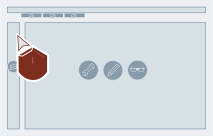
- If not shown yet: Select "Plants".
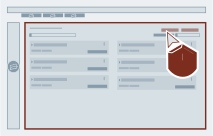
- Search in the list for a plant.
Optional: Change the filter settings and / or use the text search.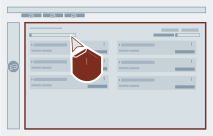
- Optional: Open the detail view of the plant of interest.
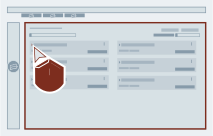
- Select "User management".
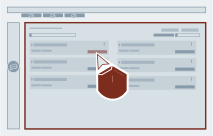
-
Switch on or off the wanted role for the wanted user regarding the plant.
Filter usable
There are filter settings and text search to narrow the displayed list.
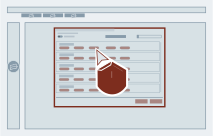
-
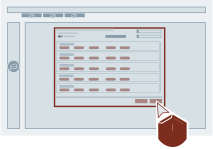
Select "Update".
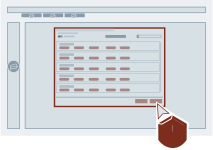
- Select "Management services".
- Select "Users".
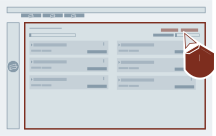
- Search in the list for a user.
Optional: Change the filter settings and / or use the text search.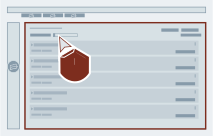
- Optional: Open the detail view of the user of interest.
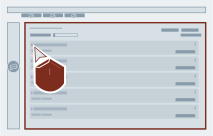
-
Select "Plant management".
Company Admin chooseable
The alternative to this step: You can assign the role "Company Admin" to a user regarding the shown plants: Select "Assign Company Admin". To revoke this role: Select "Revoke Company Admin".
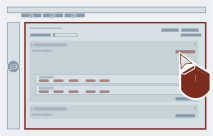
-
Switch on or off the wanted role from the list regarding the particular plant.
Filter and templates usable
There are filter settings and text search to narrow the displayed list. For a quicker selection you can use one of the templates.
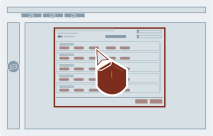
-
Select "Update".
Result
The roles of the selected user have been changed.