Assign Roles
Prerequisites
- A user profile has been created for you in myExpert.
- You know the status of your user profile in myExpert.
- The status of your profile corresponds to one of the following options:
- You don't have a company / access to the desired company in myExpert. You know the company admin.
- You don't have a role in the desired plant.
- You know your role for a specific plant and want to have it changed. You know the company admin or plant admin.
Procedure
Contact your company admin or myExpert support.
Email Support
- Select "Company overview".
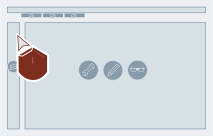
- Select "Open" for the desired company entry.
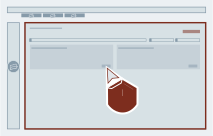
- Select "All plants" in the filter settings.
- Select "Request access" for the desired plant entry.
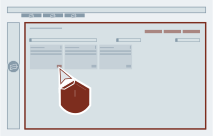
- Select the desired role and confirm the action.
Contact your company admin or plant admin.
Result
Once you have been notified, you can log in to myExpert again. The roles for your user profile have been changed.